Bring your knowledge with you
Import a document into a new page, or migrate a whole workspace with its structure. Choose the path that matches what you are moving.
Import documents
3Turn individual source documents into ordinary editable wiki pages. Each file or selected source tab creates its own page.
DOCUMENTGOOGLE DOCS
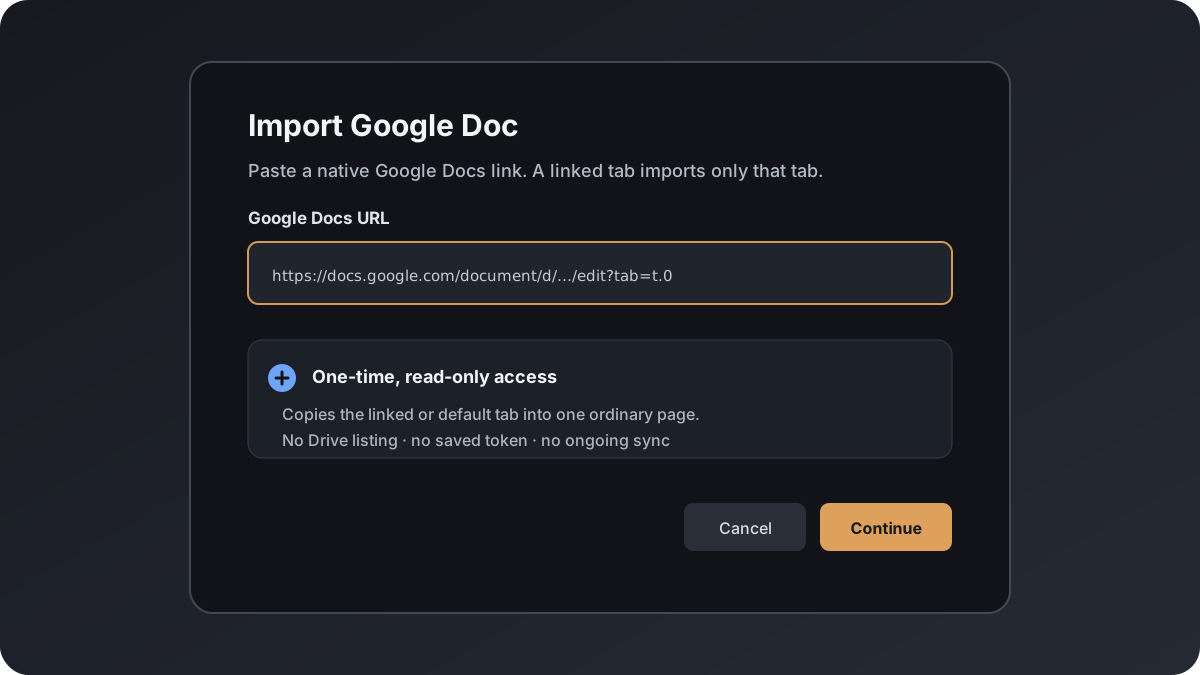
Import a Google Doc as an editable wiki page
Copy one native Google Docs tab into Raccoon Page with one-time read-only access. No Drive browsing, saved Google connection, or ongoing synchronization.
DOCUMENTMICROSOFT WORD
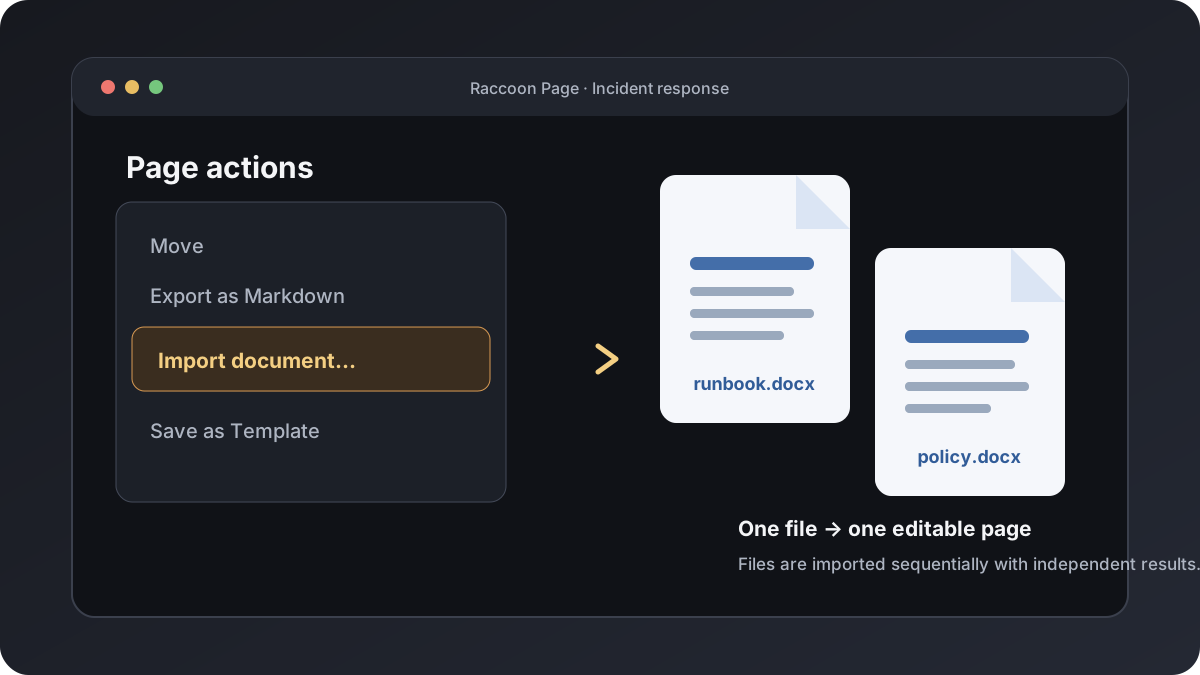
Import Microsoft Word documents into your wiki
Import Word .docx files as editable wiki pages while preserving supported formatting and images, with clear warnings when content is simplified.
DOCUMENTMARKDOWN
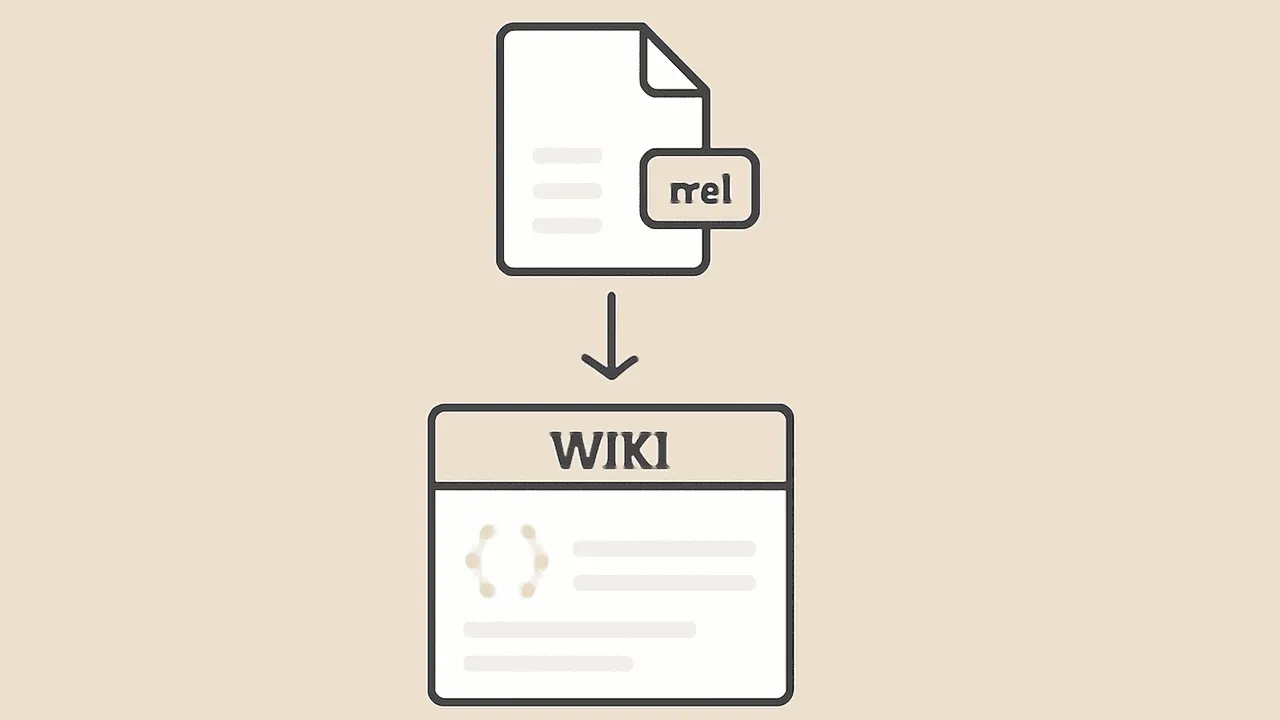
Import Markdown files as wiki pages
Import one or more Markdown files into Raccoon Page. Each .md file is processed independently and becomes one editable wiki page.
Migrate a workspace
3Move an existing wiki or vault with its hierarchy and attachments. These larger migrations run as background jobs.
WORKSPACEOBSIDIAN
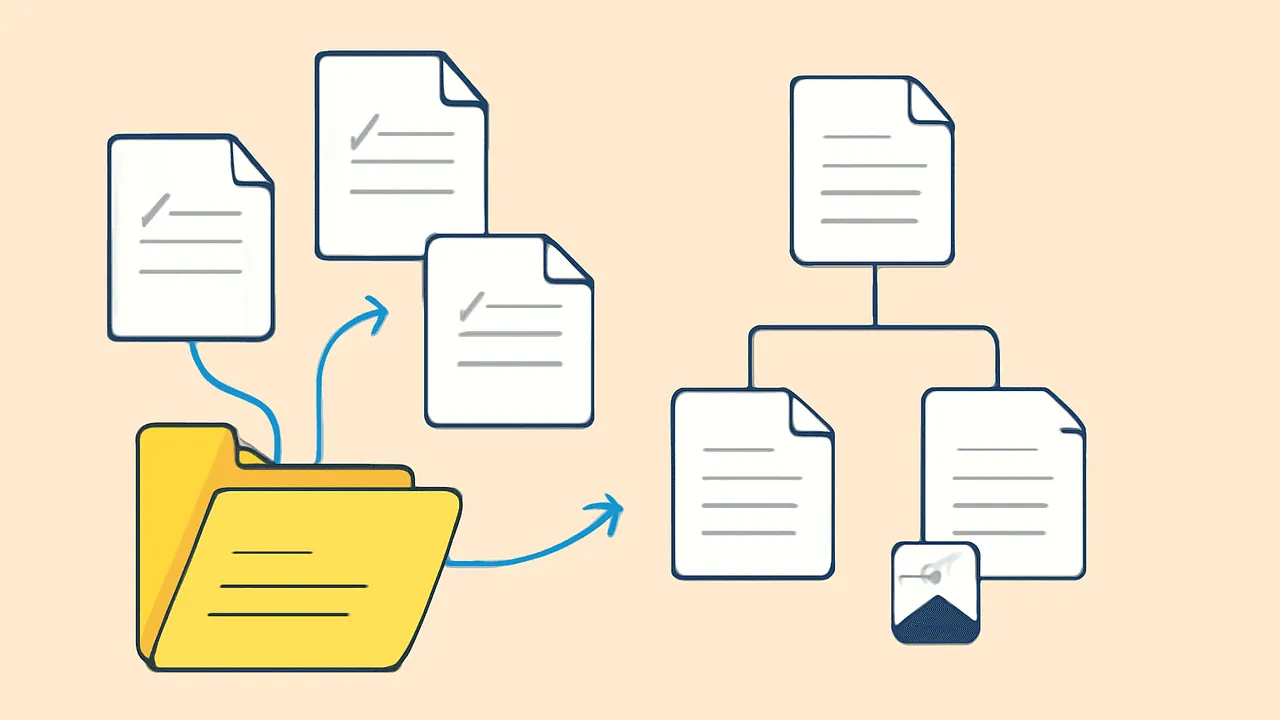
Obsidian vault import — free, in 5 minutes
Import your Obsidian vault into Raccoon Page as a folder-mirrored space. Wikilinks resolved, frontmatter respected, attachments preserved. Free plan included.
~5-minute migration
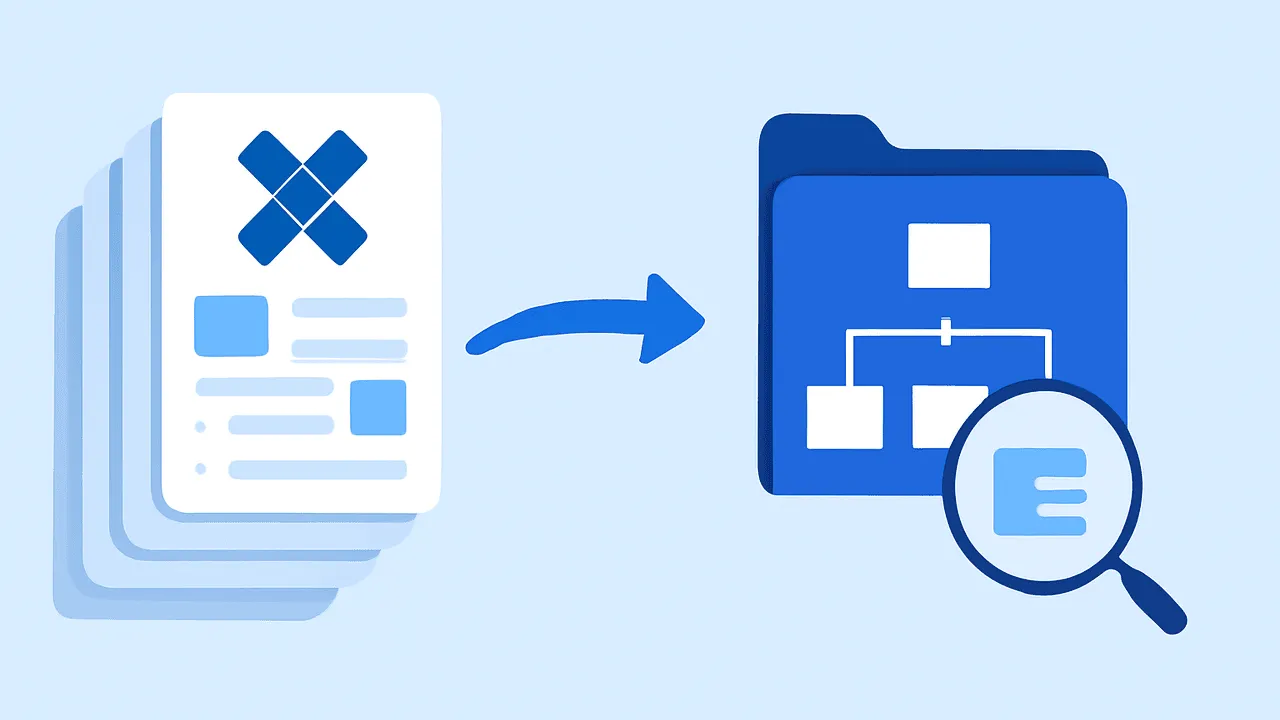
WORKSPACECONFLUENCE
Confluence import: HTML/XML spaces and limits
Import a Confluence HTML or XML space export into Raccoon Page. Check page structure, attachments, macros, and migration limits before moving your team.
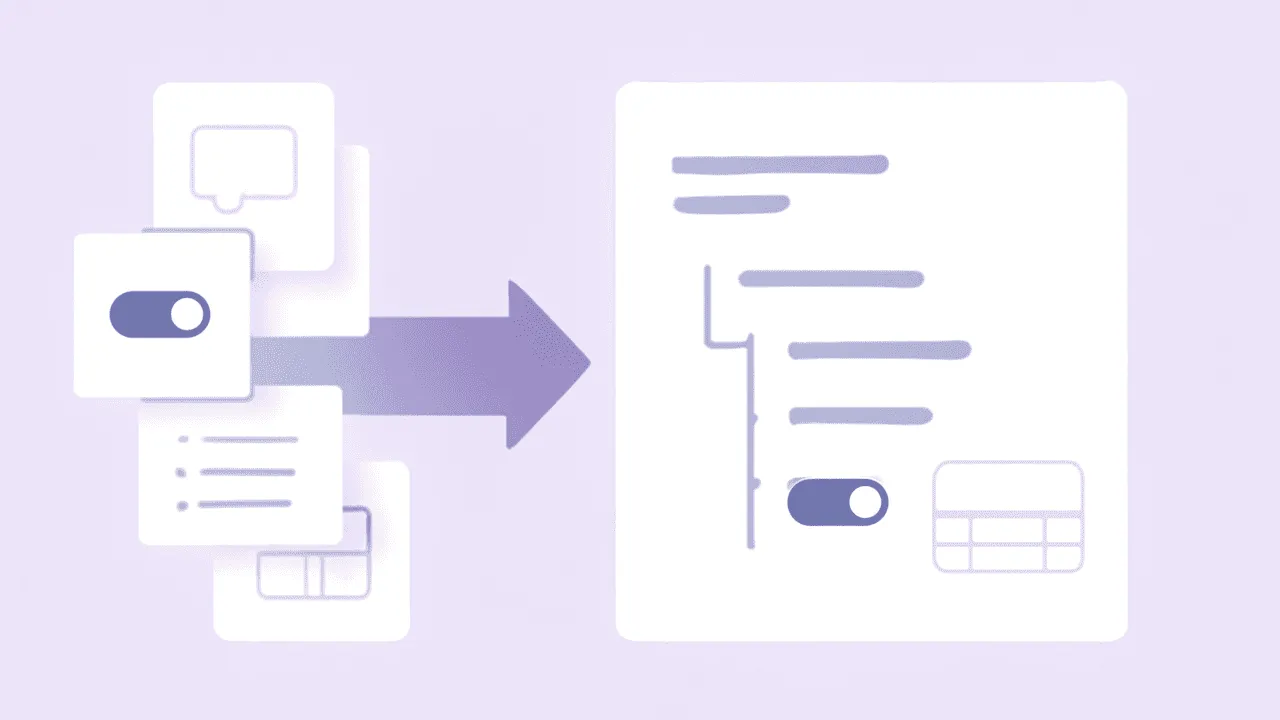
WORKSPACENOTION
Notion import: Markdown, CSV, and migration limits
Import Notion documentation into Raccoon Page from a Markdown + CSV export. Check database-row exclusions, attachments, links, and plan limits before moving.
Export back out
2EXPORT · PER-PAGE MARKDOWN
Page Markdown export: one click, one file
Export a single page as a standalone .md file with frontmatter and inline attachments.
EXPORT · PER-SPACE ZIP
Wiki export: per-space zip of Markdown
Export an entire space as a zip of markdown files. Folder structure mirrors your page tree.
Common questions
- How long does importing take?
- Workspace migrations run as background jobs; duration depends on the archive and processing workload. Document imports create ordinary pages one source document at a time; their duration depends on the document. Allow time to review the result.
- Which sources can I import from?
- Import documents from Google Docs, Microsoft Word, and Markdown. Migrate workspaces from Obsidian, Confluence, and Notion.
- Which plans include the importers?
- Google Docs, Word, and Markdown document imports and Obsidian workspace migration are on every plan, including Free. Confluence and Notion workspace migrations are on Team and Business.
- Can I export my wiki back out later?
- Yes. Export any space as Obsidian-compatible Markdown, or a single page as a Markdown file, on every plan. You are never locked in.