MIGRATE A WORKSPACENOTION
Notion import: Markdown, CSV, and migration limits
Import Notion documentation into Raccoon Page from a Markdown + CSV export. Check database-row exclusions, attachments, links, and plan limits before moving.
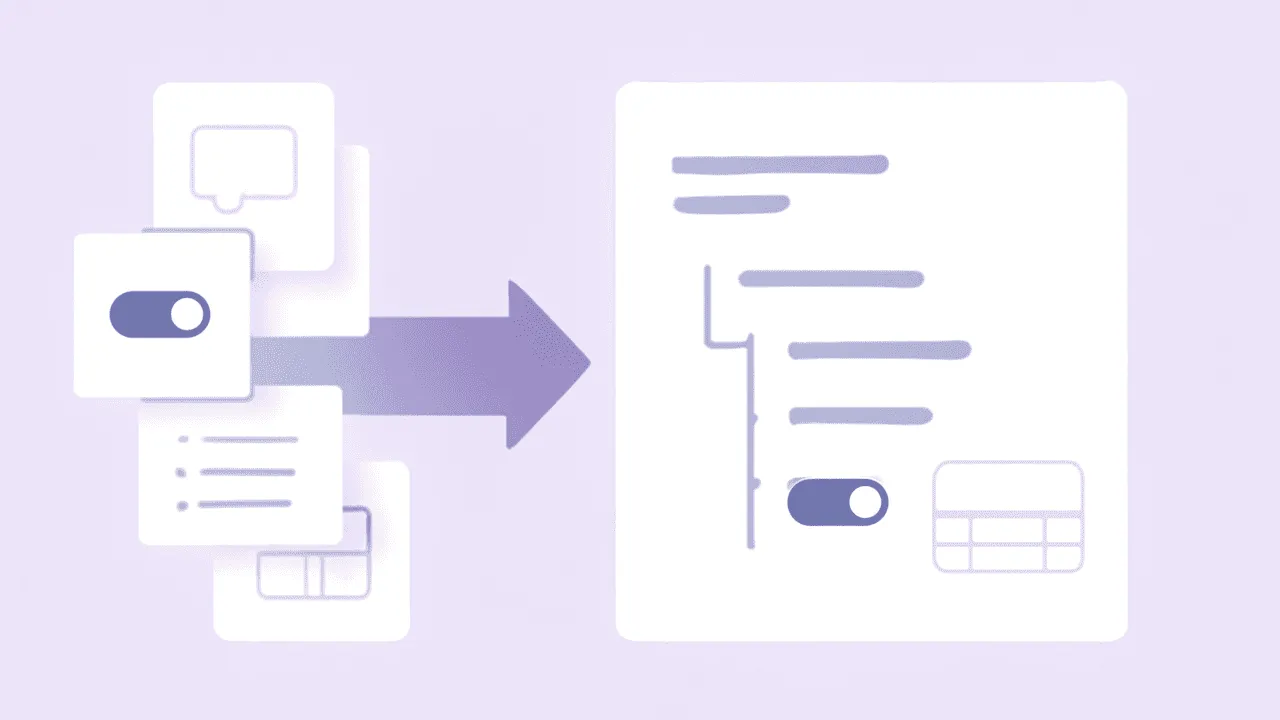
TL;DR. Export your Notion workspace as Markdown + CSV, keep the archive, and test a small import before moving the team. This is a documentation migration, not a clone of a Notion workspace. CSVs become static tables; database-row pages and live database behavior do not come across.
Notion export guidance checked on September 28, 2026 against Notion's export documentation. For format choices and export problems, see the Notion export guide.
What we import
| Notion concept | What it becomes in Raccoon Page |
|---|---|
| Regular Markdown pages | Wiki pages; database-row pages are excluded |
| Folder hierarchy | Used to build the page tree; inspect the resulting structure |
| Markdown body | TipTap document |
| Supported files bundled in the archive | Page attachments; external URLs are not downloaded by this parser |
| Database CSV exports | Static tables, inlined into a matching parent page where applicable |
| Notion-specific blocks | Exported representation only; check formatting in a sample |
| Code blocks | Fenced code blocks |
Relative .md page links |
Converted for resolution to imported pages; verify the targets |
What we don't import (yet)
- Live database queries and filters. A Notion database is a query over its rows; the export is a snapshot CSV. We import the snapshot. Raccoon Page does not recreate Notion-style database views.
- Database-row page bodies. The current parser removes pages inside recognized database directories. A CSV row is not a backup of the document body inside that row. Move important content into ordinary documents separately and verify it before leaving Notion.
- Linked databases. Same root cause as above.
- Live integrations and synced behavior. Exported text is not a working connection to the original application.
- Original permissions, comments, and edit history. Set up access in the destination; do not treat this import as a workspace restore.
The step-by-step
- Export Markdown & CSV with subpages and folders included.
- Download and zip the export folder if Notion didn't already.
- Use Team or Business, or start the 14-day Team trial. The trial retains Free-plan numeric limits: 3 users, 1 space, 50 pages, and 100 MB storage. Existing content uses that allowance too. See pricing before choosing the size of your sample.
- Open Import Space, choose Notion, select the
.zipfile, and enter the new space name. Submit the import to queue the job. - Review the import against the archive: regular pages, CSV tables, images, code, and internal links. Check database-row body content separately. Keep Notion available until you have verified the result.
Import duration depends on the archive and processing workload. Allow time for review; a completed background job is not proof that every source feature survived.
Things people ask
- Will my Notion URLs still work?
- Public Notion URLs still point to Notion. The importer converts relative Markdown page links for internal resolution; it does not rewrite every notion.so or notion.com URL. Check links to missing pages and duplicate titles.
- What about pages Notion didn't include in the export?
- If a page was excluded by Notion's export — for example a guest's private page — Raccoon Page never sees it. The import only knows about what's in the zip.
- Toggle inside callout inside toggle — does that survive?
- Do not assume Notion block behavior survives. The importer reads exported Markdown, not the original Notion block model. Check complex nesting and callouts in a sample before migrating.
- Does the importer keep the body of every database-row page?
- No. Pages inside recognized database directories are removed during processing. The CSV becomes a static table, but prose and other body content stored in those row pages are not merged into it. Keep the source archive and move important row content separately.
- Can I roll back?
- Yes. Delete the imported space. The original Notion workspace is untouched.