MIGRATE A WORKSPACEOBSIDIAN
Obsidian vault import — free, in 5 minutes
Import your Obsidian vault into Raccoon Page as a folder-mirrored space. Wikilinks resolved, frontmatter respected, attachments preserved. Free plan included.
~5-minute migrationAvailable on Free, Team, and Business
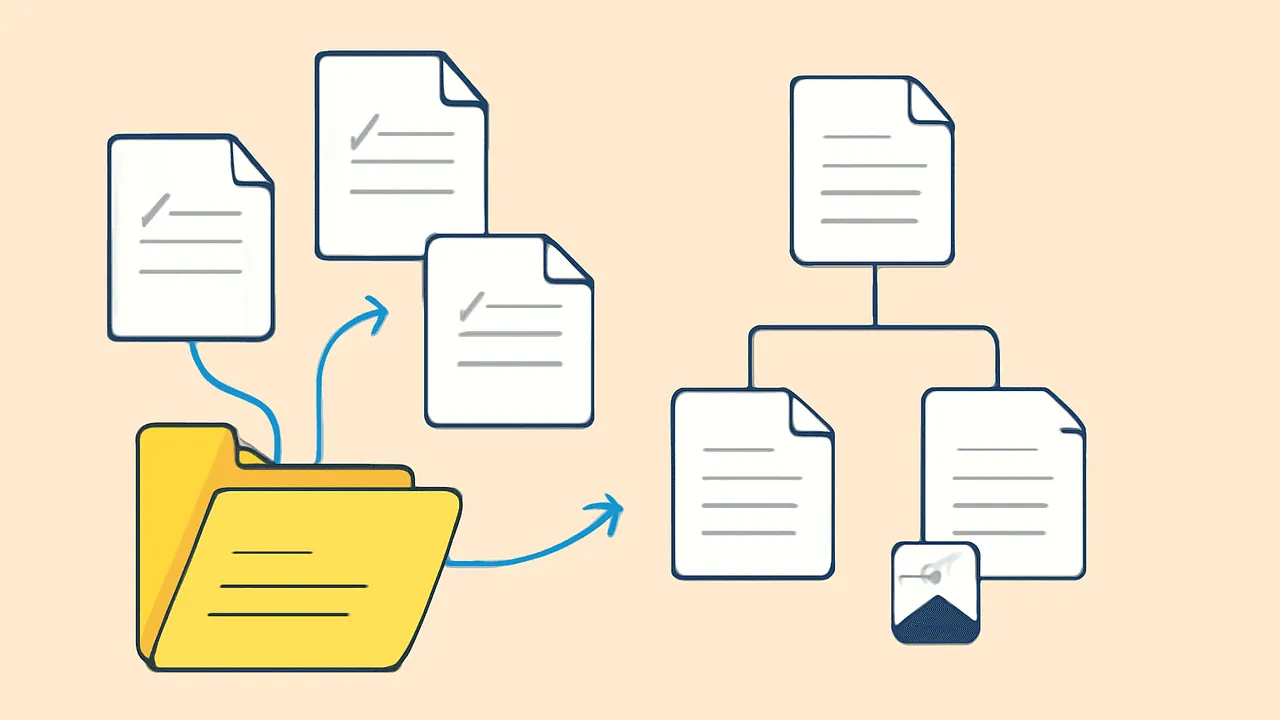
TL;DR. Zip your vault folder. Drop it in the import wizard. Folders become page hierarchy.
[[Wikilinks]]resolve.![[image.png]]embeds preserve. Frontmatter passes through. The Obsidian importer is the one we recommend if your wiki is any markdown collection, Obsidian or not — see the markdown page for details.
What we import
| Obsidian concept | What it becomes in Raccoon Page |
|---|---|
| Vault folder | Space |
| Sub-folders | Page hierarchy (folders → parent pages) |
.md file |
Page |
| YAML frontmatter | Page metadata + tags |
[[Wikilink]] |
Internal page link |
[[Page#Heading]] |
Anchor link to the heading |
![[image.png]] |
Embedded image attachment |
| Code fences | Fenced code blocks |
Callout syntax (> [!note]) |
Native callouts |
Tags (#tag) |
Tags |
What we don't import (yet)
- Plugin-only block types. Dataview queries, Tasks plugin syntax, Excalidraw drawings — these are markdown that means something only inside Obsidian. We render the source verbatim and leave a note on the page.
- Canvas files. Obsidian's
.canvasJSON has no equivalent in Raccoon Page. We import the file as an attachment, no preview. - Workspace state (open tabs, sidebar pins, theme settings). We import content, not preferences.
The step-by-step
- In your file manager, zip your vault folder. (Or skip the zip — the wizard accepts an extracted folder upload too.)
- Sign up for Raccoon Page. The Obsidian importer works on the Free tier; no upgrade needed for a single vault.
- Drop the zip (or folder) in the import wizard. It identifies
the vault by
.obsidian/presence — but a plain markdown folder works the same way. - Review the import. Wikilinks should be blue; images should render inline; tags should appear in the side panel.
Things people ask
- Do I need Obsidian installed?
- No. The 'Obsidian importer' is a markdown-vault importer that handles the Obsidian conventions when it sees them. Any folder of markdown files works.
- What about my plugins?
- Raccoon Page does not run plugins. Their output, if it was already inlined as markdown, comes through fine. Reactive features (Dataview queries, Tasks plugin) become static text.
- Is this on Free?
- Yes. Obsidian vault import works on Free, Team, and Business. Word and Markdown document imports also work on every plan; Confluence and Notion workspace migrations require Team or Business.
- Can I keep using Obsidian on the side?
- Yes. Raccoon Page exports back to the same vault format via the per-space zip. The shape that goes in is the shape that comes out.