EXPORT · PER-SPACE ZIP
Wiki export: per-space zip of Markdown
Pick a space, click Export, get a zip: one markdown file per page, frontmatter preserved, hierarchy mirrored as folders, attachments included. On every plan.
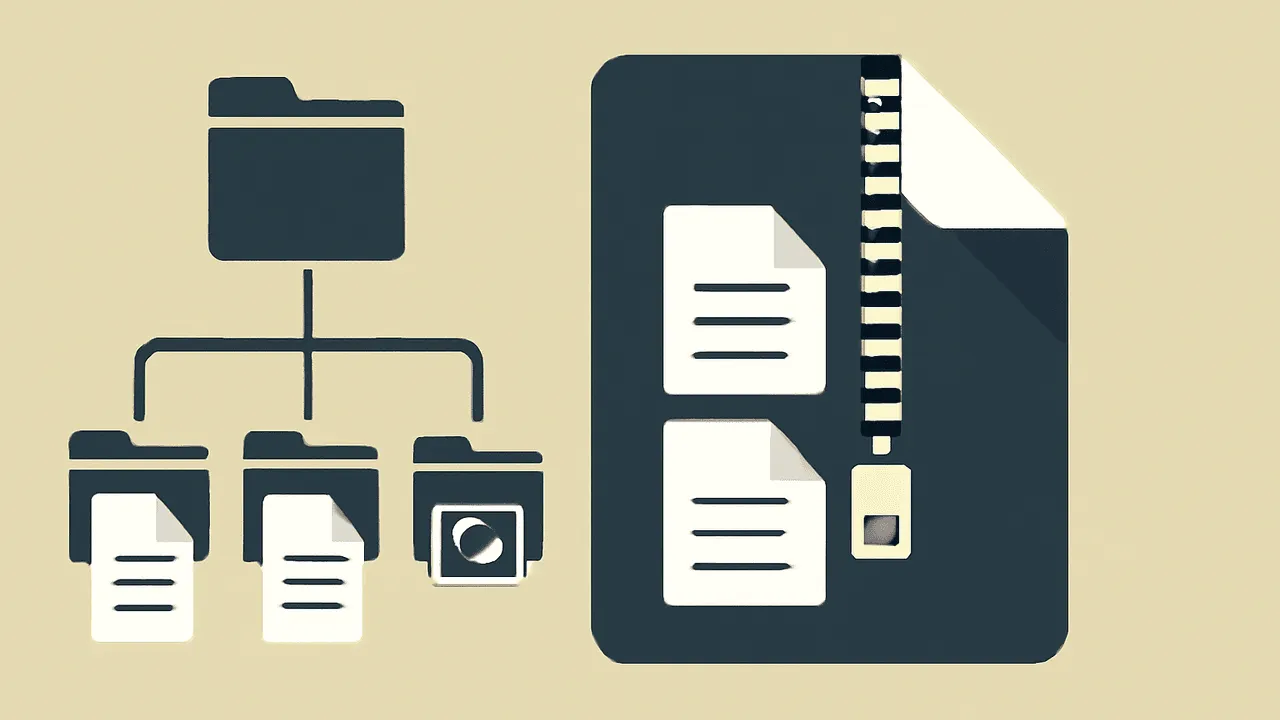
TL;DR. One click on a space's Export menu downloads a zip. Inside, every page is a
.mdfile, folders mirror the page tree, and attachments sit under/attachments/. The shape matches an Obsidian vault, which means you can drop the zip straight into Obsidian if you want a second opinion.
What's in the zip
your-space.zip
├── README.md                      # space metadata
├── attachments/
│   ├── diagram-2026-04.png
│   └── decision-log.pdf
├── engineering/
│   ├── on-call.md
│   ├── runbooks/
│   │   └── postgres-failover.md
│   └── README.md                  # the engineering parent page
└── product/
    ├── q2-roadmap.md
└── ...- One markdown file per page.
- Folder structure mirrors your page hierarchy.
- Frontmatter on each file: title, author, created, updated, tags, source page ID.
- Internal links rewritten to relative paths between files.
- Attachments collected under
/attachments/with stable filenames; embedded references in pages point at them.
What we don't lock in
- No proprietary export format. Markdown is markdown.
- No "you can have your data, but only via a paid tier" gate. Per-space zip works on Free.
- No "we'll email you a link in 24 hours". The zip downloads.
- No watermark or signature in the markdown. The files are yours, not ours.
How to run it
- Open the space.
- Hit Export in the space menu (
⌘Eif you're keyboard-first). - Pick Per-space zip.
- The zip downloads. Total time scales linearly with page count; a 1,000-page space takes ~30 seconds end-to-end.
Honest answers
Can I import this back into Raccoon Page? Yes. Re-import the zip via the Obsidian importer or, for a single file, the Markdown importer. It's a round-trip; the shape that comes out is the shape we take back in.
Will Obsidian open the zip?
Yes. The folder structure, frontmatter, and link syntax are
Obsidian-compatible by design. Use Open folder as vault after
unzipping.
What about page comments and edit history? Page comments export as a JSON file in the page's folder. Edit history is summarised in frontmatter (author, created, updated) but the full revision log doesn't export — that's by design, since most teams don't want a thousand revision-history JSONs in their export.