EXPORT · PER-PAGE MARKDOWN
Page Markdown export: one click, one file
One page, one click, one .md file with frontmatter on top and images your way. For handoffs, drafts, or feeding one page into another tool. On every plan.
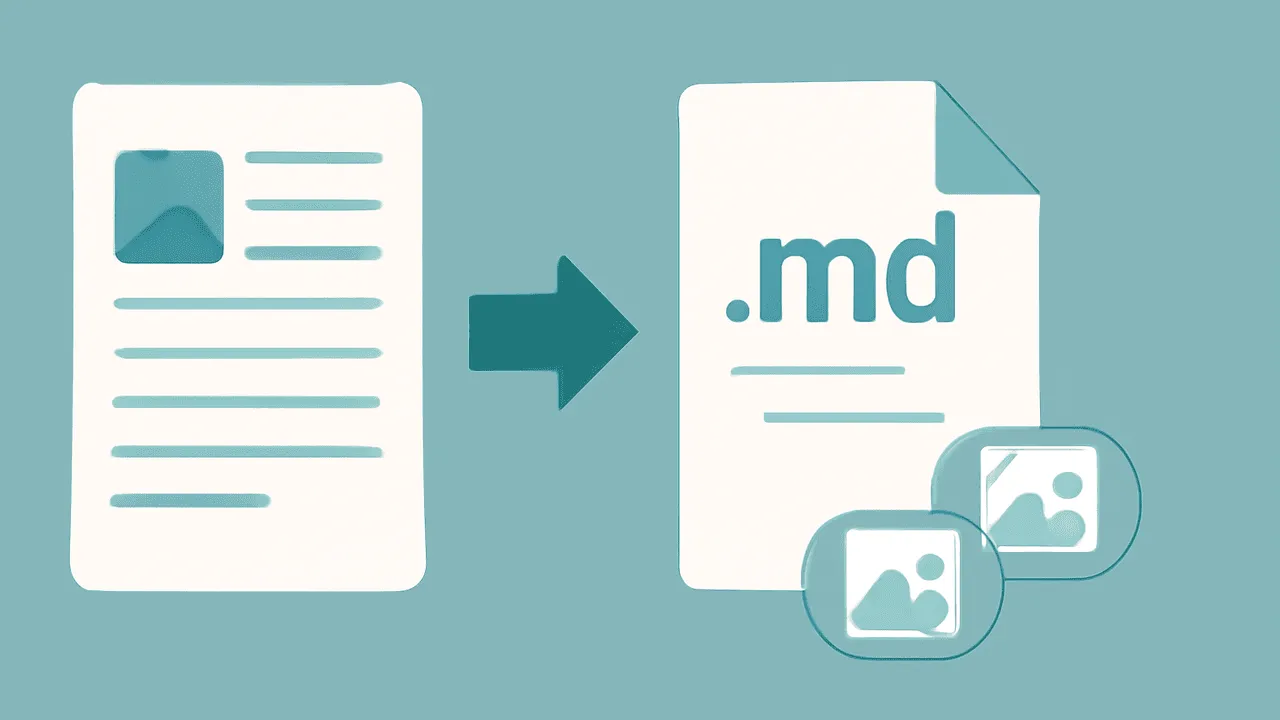
TL;DR. Open any page, hit Export → Markdown, get a
.mdfile. Frontmatter on top, body in standard markdown, images either inlined as base64 or referenced by URL — your choice in the dialog.
What you get
A single file. Three flavours:
- Standalone — a self-contained
.mdwith frontmatter, body, and image references pointing back at Raccoon Page's CDN. Useful for sharing a page outside the wiki. - Vault-bound — same body, but image links are relative
paths to
/attachments/. Drop it into an existing Obsidian vault under the matching folder and the images load locally. - Inline — images base64-encoded inside the markdown. Heavier file, but it travels with no external links. Useful for email or air-gapped handoffs.
Frontmatter on every export:
---
title: Q2 Roadmap
author: jane.doe@your-company.com
created: 2026-03-12
updated: 2026-04-28
tags: [planning, q2]
source: https://app.raccoon.page/orgs/your-org/spaces/PROD/pages/q2-roadmap
---
What we don't lock in
- No proprietary export format. Markdown is markdown.
- No paid-tier gate. Per-page markdown export is on Free.
- No nag screens. The download starts immediately.
How to run it
- Open the page.
- Hit Export in the page menu (
⌘⇧E). - Pick Markdown and choose Standalone, Vault-bound, or Inline.
- The file downloads. Total time is sub-second for typical pages.
Honest answers
What about embedded callouts, status badges, and date inlines?
Callouts export as > [!note] blockquote callouts (Obsidian
syntax). Status badges export as inline ==text== highlights.
Inline dates export as plain YYYY-MM-DD text. The semantics
are preserved as far as standard markdown allows.
Can I export a page with all its children? Not from the per-page menu — use the per-space zip export and let it include the whole subtree. Per-page is intentionally single-page.
What about HTML? Not from this menu. Convert markdown to HTML in whatever tool you trust. The point of the per-page export is to give you the source, not a render.
How do I get this back into Raccoon Page later?
Drop the .md file into the Markdown
importer — one file lands as one new page.
The shape that comes out is the shape we take back in.