SOFTWARE ENGINEERING TEMPLATE
Technical Onboarding Guide Template
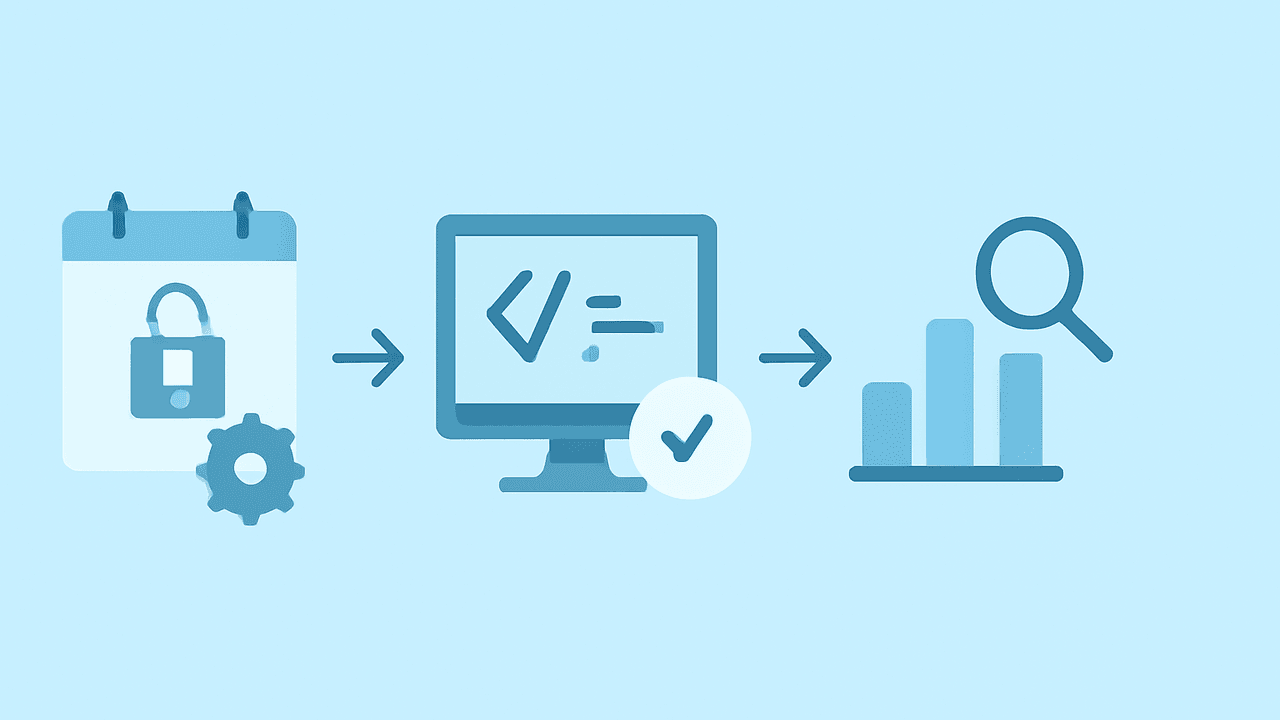
Time-phased onboarding guide: Day 1 access and setup, Week 1 codebase and first PR, Weeks 2-4 going deeper.
Use this templateWhat's inside
Field | Details |
|---|---|
Team | Team name |
Onboarding Buddy | Name — your go-to person for questions |
Manager | Name |
Start Date | |
Last Updated |
Day 1: Access & Environment
Goal: end the day with a working dev environment and the app running locally.
Get Access
-
GitHub / GitLab org — can clone repos
-
Slack — joined team channels
-
CI/CD system (GitHub Actions, CircleCI, etc.) — can see builds
-
Cloud console (AWS, GCP, Azure) — read access to staging
-
Error tracking (Sentry, Datadog, etc.) — can see errors
-
Issue tracker (Jira, Linear, GitHub Issues) — can see the board
-
Internal docs / wiki — can browse
Set Up Your Machine
Install prerequisites and get the project running:
# 1. Clone the repo
git clone git@github.com:org/repo.git && cd repo

# 2. Install dependencies
# adapt to your stack: npm install, bundle install, pip install, etc.

# 3. Set up environment variables
cp .env.example .env
# Fill in values — ask your buddy for dev secrets

# 4. Start infrastructure (database, cache, etc.)
docker compose up -d

# 5. Run migrations and seed data
# adapt: rails db:setup, npm run migrate, etc.

# 6. Start the dev server
# adapt: npm run dev, make dev, etc.

# 7. Open http://localhost:3000 and verify it worksWeek 1: Learn the System
Goal: understand the architecture, the codebase, and how the team works well enough to make your first contribution.
Understand the Architecture
Read or ask about these — you don't need to memorize everything, just build a mental map:
What are the major components / services and what does each one do?
How does data flow from user action to database and back?
Where does the app run? (cloud provider, region, container orchestration)
What are the main data stores and why were they chosen?
What are the external integrations and how do they work?
Key architecture docs to read:
Document | Link | Why Read It |
|---|---|---|
Solution architecture / system design | Link | The big picture |
ADRs (Architecture Decision Records) | Link | Why things are the way they are |
API documentation | Link | How services talk to each other |
Runbooks | Link | How to operate and debug the system |
Learn the Codebase
-
Read the README and any CONTRIBUTING guide
-
Read the 5 most recent merged PRs — see the style, scope, and review process
-
Find where the main entry point is and trace a request end-to-end
-
Find where tests live and run them — make sure they pass
-
Identify the areas of the codebase that are well-documented vs. tribal knowledge
Learn the Workflow
Practice | How We Do It |
|---|---|
Branching | Branch naming convention and what branches from where |
Pull requests | PR size expectations, description template, required reviewers |
Code review | What reviewers look for, turnaround time expectation |
CI/CD | What runs on push, what gates merging, how deploys work |
Testing | What to test, how to run tests, coverage expectations |
On-call | Rotation schedule, escalation path, when you'll join the rotation |
Week 1: First Contribution
Ship something small. The goal is to go through the full cycle — write code, open a PR, get it reviewed, see it merge — before tackling anything complex.
-
Pick a starter ticket (ask your buddy or manager to suggest one)
-
Write the code and tests
-
Open a PR and request review
-
Address feedback and get it merged
-
Verify it works in staging
Weeks 2-4: Go Deeper
You can run the app, you've shipped a PR, you know where to find things. Now build real context.
-
Take on a medium-sized feature or bug fix
-
Pair with a teammate on a part of the codebase you haven't touched
-
Shadow an on-call shift or incident review to see how the team debugs production issues
-
Set up monitoring dashboards in your browser — watch the system behave
-
Review PRs from teammates — this is the fastest way to learn the codebase
-
Ask your buddy or manager: "What do I not know that I don't know I don't know?"
Key People
Area | Person | When to Ask Them |
|---|---|---|
Your domain area | Name | Architecture questions, code review, design decisions |
Infrastructure / DevOps | Name | Deployment, CI/CD, access, cloud resources |
Product | Name | Requirements, priorities, user context |
Design | Name | UX questions, design specs, prototypes |
General | Your onboarding buddy | Anything — no question is too small |
Useful Links
What | Link |
|---|---|
Repository (main) | Link |
CI/CD dashboard | Link |
Monitoring / metrics | Link |
Error tracking | Link |
API docs | Link |
Design files | Link |
Team Slack channel | #channel-name |
On-call schedule | Link |
Notes & Questions
Use this space to jot down things you learn, questions you want to ask, or surprises you encounter. Review these with your buddy or manager in your first few 1:1s.
Question or observation
Other Engineering templates
 Project READMEDocument a project's purpose, setup instructions, architecture, and contribution guidelines.
 API DocumentationProtocol-agnostic API documentation covering contract, authentication, errors, reliability, versioning, and operations.
 Architecture Decision Record (ADR)Structured record of an architecture decision: context, options evaluated, decision rationale, and consequences.