SOFTWARE ENGINEERING TEMPLATE
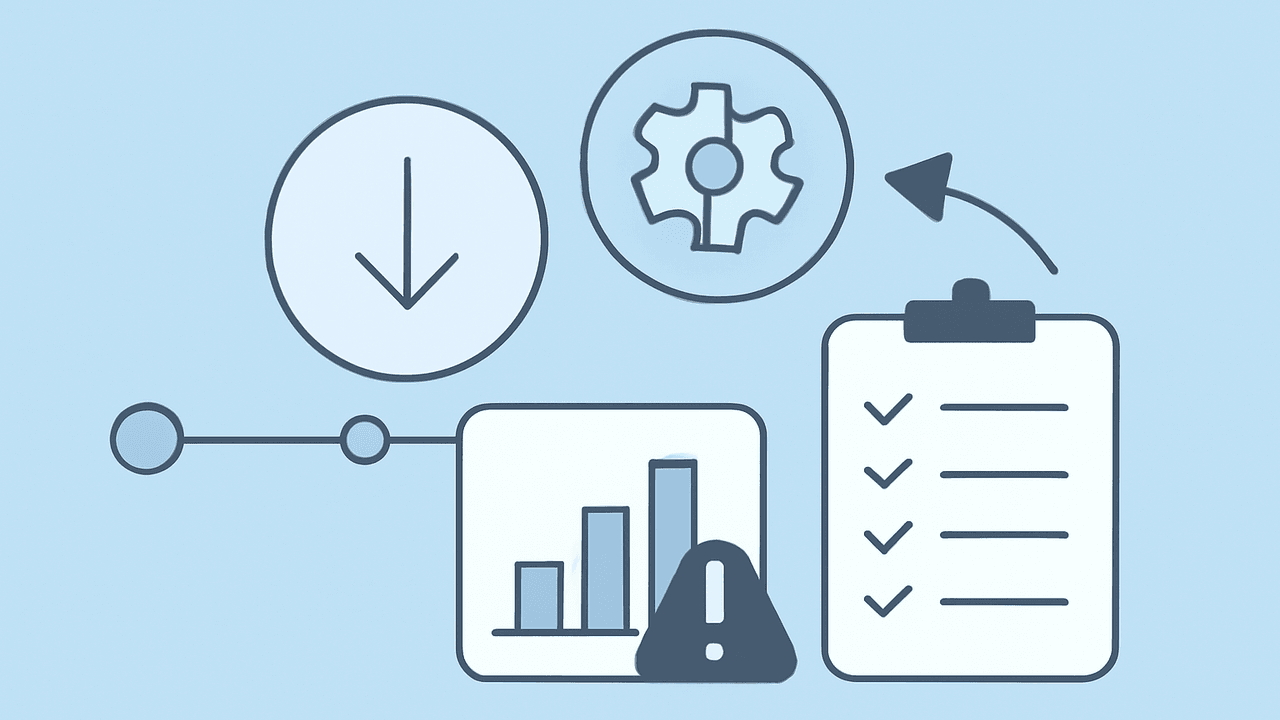
Incident Postmortem Template
Blameless incident analysis with timeline, root cause, impact quantification, and tracked action items.
Use this templateWhat's inside
Field | Details |
|---|---|
Incident ID | INC-XXXX |
Severity | SEV-1 |
Status | Draft |
Date of Incident | |
Duration | X hours Y minutes (from detection to resolution) |
Time to Detect | X minutes (from trigger to first alert) |
Time to Resolve | X hours Y minutes (from detection to resolution) |
Incident Commander | Name |
Authors | Names of people who wrote this postmortem |
Review Date |
Executive Summary
Write 3-5 sentences that tell the full story: what happened, who was affected, how long it lasted, what the root cause was, and whether it is fully resolved. A VP should be able to read this section alone and brief their team.
Impact
Quantify the damage. Vague impact statements lead to vague prioritization of fixes. Be as specific as the data allows.
Dimension | Impact |
|---|---|
Users affected | Number or percentage of users who experienced degraded or lost service |
Requests affected | Error rate, failed requests, or dropped transactions during the incident |
Revenue impact | Estimated revenue loss, failed payments, or SLA credit exposure |
Data impact | Any data loss, corruption, or inconsistency? If none, state "No data loss" |
SLA impact | Did this breach any SLA/SLO? Which ones? What is the credit/penalty exposure? |
Downstream impact | Were other teams, services, or partners affected? |
Customer communication | Were customers notified? How? (Status page, email, support proactive outreach) |
Timeline
Reconstruct the incident chronologically. Include what happened, who did it, and what information was available at the time. The timeline should be detailed enough that someone who was not on-call can understand the sequence of decisions.
Time (UTC) | Event | Actor |
|---|---|---|
HH:MM | Triggering event — the change, failure, or condition that started the incident | System / person |
HH:MM | First alert fires (or customer reports the issue) | Monitoring / customer |
HH:MM | On-call acknowledges and begins investigation | Name |
HH:MM | Root cause identified (or first hypothesis formed) | Name |
HH:MM | Mitigation applied (the action that stopped the bleeding) | Name |
HH:MM | Service restored and verified | Name |
HH:MM | All-clear communicated to stakeholders | Name |
Root Cause Analysis
Go beyond the surface. The trigger is what started the incident; the root cause is why the system was vulnerable to that trigger in the first place. Most serious incidents have multiple contributing factors.
Trigger
What specific event initiated the incident? (e.g., a deploy, a config change, a traffic spike, a dependency failure, a data migration)
Root Cause
Why did the trigger cause an outage instead of being handled gracefully? Dig into the contributing factors:
Technical factor: What system weakness allowed the trigger to cause user-facing impact?
Process factor: What gap in the deployment, review, or testing process allowed this to reach production?
Organizational factor: Was there missing knowledge, unclear ownership, or insufficient investment in this area?
Detection
Evaluate how the incident was found and how fast the team responded. Detection is often the biggest opportunity for improvement.
Question | Answer |
|---|---|
How was the incident detected? | Alert / customer report / internal discovery / partner notification |
How long between trigger and detection? | X minutes — is this acceptable? |
Did the right alert fire? | Yes / No — if no, what alert should exist? |
Did the alert reach the right person? | Yes / No — was escalation needed? |
Were there earlier signals that were missed? | Log warnings, error rate trends, or anomalies that could have been caught sooner |
What Went Well
Acknowledge what worked. This reinforces good practices and keeps the postmortem from being purely negative.
Thing that worked well during the incident and should be preserved
Process or tool that helped reduce time to resolution
Communication or coordination that was effective
What Went Poorly
Be candid about what did not work. These are the inputs to your action items.
Thing that slowed down detection or resolution
Missing runbook, tool, or automation that would have helped
Communication gap or confusion during the incident
Where We Got Lucky
Things that could have made this incident much worse but didn't — by chance, not by design. These reveal hidden risks that should be addressed before luck runs out.
Factor that limited the blast radius this time but won't next time
Coincidence that helped (e.g., low traffic period, right person happened to be online)
Action Items
Every action item must have an owner, a priority, and a deadline. An action item without a deadline is a wish. Review these in your next team meeting and track them to completion.
Action | Type | Priority | Owner | Deadline | Status |
|---|---|---|---|---|---|
Action that prevents this specific failure from recurring | Prevent | P0 | Name | Not Started | |
Action that reduces blast radius or time to recovery next time | Mitigate | P1 | Name | Not Started | |
Action that improves detection speed (alert, dashboard, health check) | Detect | P1 | Name | Not Started | |
Process improvement (runbook, review checklist, training) | Process | P2 | Name | Not Started |
Lessons Learned
Step back from the specifics. What has this incident taught the team about how the system works, how the team operates, or what assumptions were wrong? These are the insights that should inform future architecture and process decisions.
Lesson that changes how we think about this part of the system
Lesson about our incident response process or team coordination
Assumption that this incident proved wrong
Supporting Information
Link to everything someone might need to dig deeper. This section turns the postmortem into the definitive reference for this incident.
Monitoring dashboard link (with time range covering the incident)
Incident Slack channel or chat log archive
Relevant deploy or change log entries
Customer communication sent (status page update, email, support messages)
Related incidents or postmortems
Other Engineering templates
 Project READMEDocument a project's purpose, setup instructions, architecture, and contribution guidelines.
 API DocumentationProtocol-agnostic API documentation covering contract, authentication, errors, reliability, versioning, and operations.
 Architecture Decision Record (ADR)Structured record of an architecture decision: context, options evaluated, decision rationale, and consequences.